PWA vs WebView App: What Is the Difference?
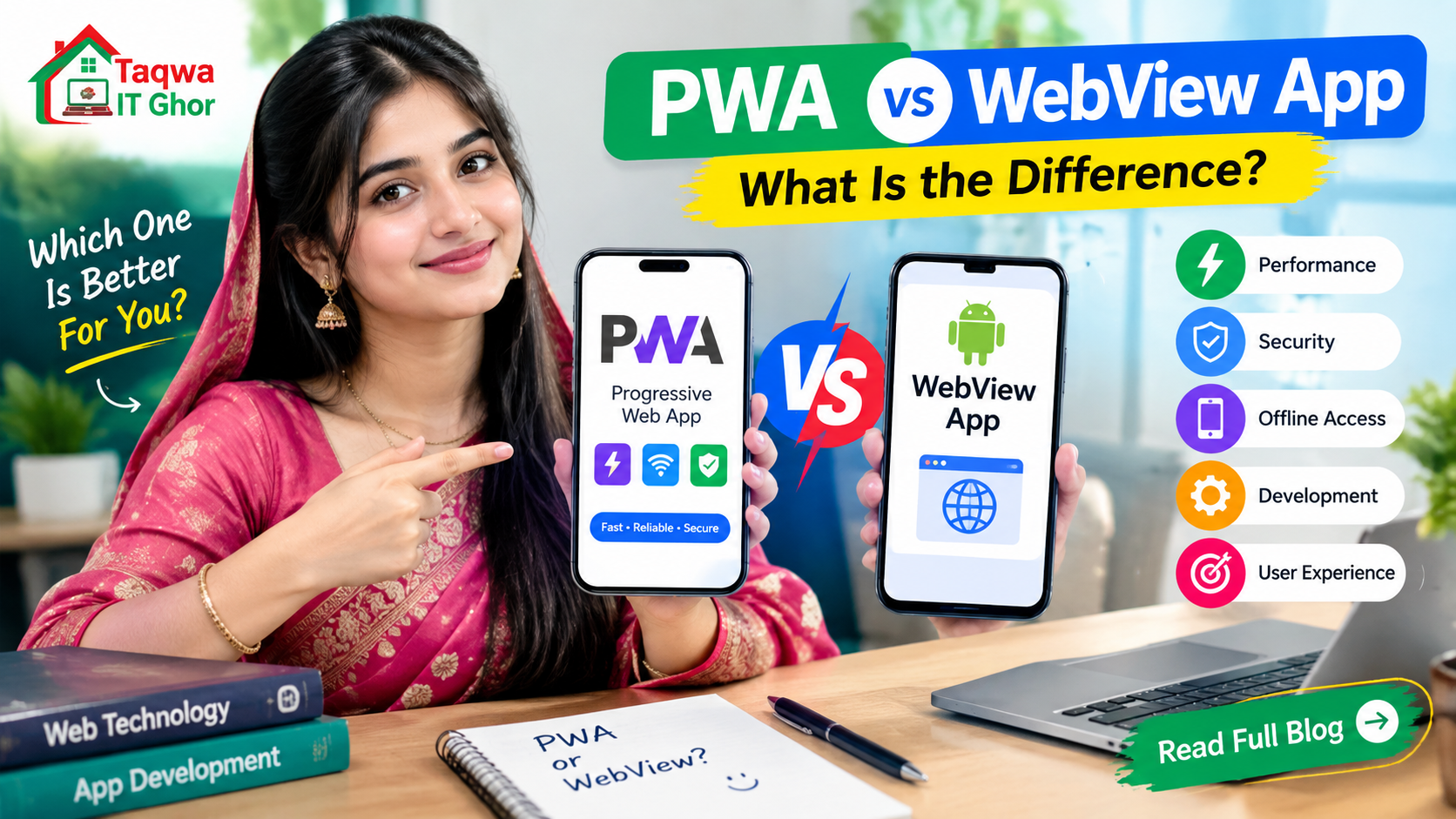
Both Progressive Web Apps (PWAs) and WebView apps let you present a website like an app, but they work in different ways. Knowing the difference helps you choose the approach that fits your audience.
What is a PWA?
A Progressive Web App is a website with extra features: a web manifest, a service worker and HTTPS. Browsers such as Chrome let users "install" it to the home screen. There is no APK file — the app runs inside the browser engine, without the browser interface.
What is a WebView app?
A WebView app is an actual Android application (an APK) that contains a WebView and loads your website. It has its own icon, a native splash screen and can be shared and installed like any other app file.
Installation
- PWA: the user opens the site in the browser and chooses "Add to Home screen" or "Install app". Many people never discover this option.
- WebView app: the user installs an APK from a link or from Google Play. It is a familiar way to get an app.
Features and control
- PWA: offline caching through service workers, push notifications on supported browsers, no installation package to maintain.
- WebView app: native splash screen, control over status bar colours, handling of file downloads and external links, an offline error screen and pull-to-refresh, all built into the app.
Distribution
A PWA lives at a web address, so it is easy to share but is not something most users look for in an app store. A WebView app can be shared as a file, and can be uploaded to Google Play when it offers enough value to users.
Updates
Both approaches update instantly when you change the website. A WebView app only needs a new release when you change something in the app shell itself, such as the icon or a permission.
When to choose which
- Choose a PWA if your audience mainly finds you through search and you want zero installation friction.
- Choose a WebView app if you want an APK to share with customers, an icon in the app drawer and more control over how the app behaves on Android.
- Use both — a good PWA setup also makes your website faster and more reliable inside a WebView app.
The bottom line
PWAs are great for reach; WebView apps are great for presence. If you want to look and behave like a real Android app while keeping a single website as your source of truth, a WebView app is a simple and effective step.
Comments (0)
No comments yet. Be the first to comment!