APK vs AAB: What Is the Difference and Which One Do You Need?
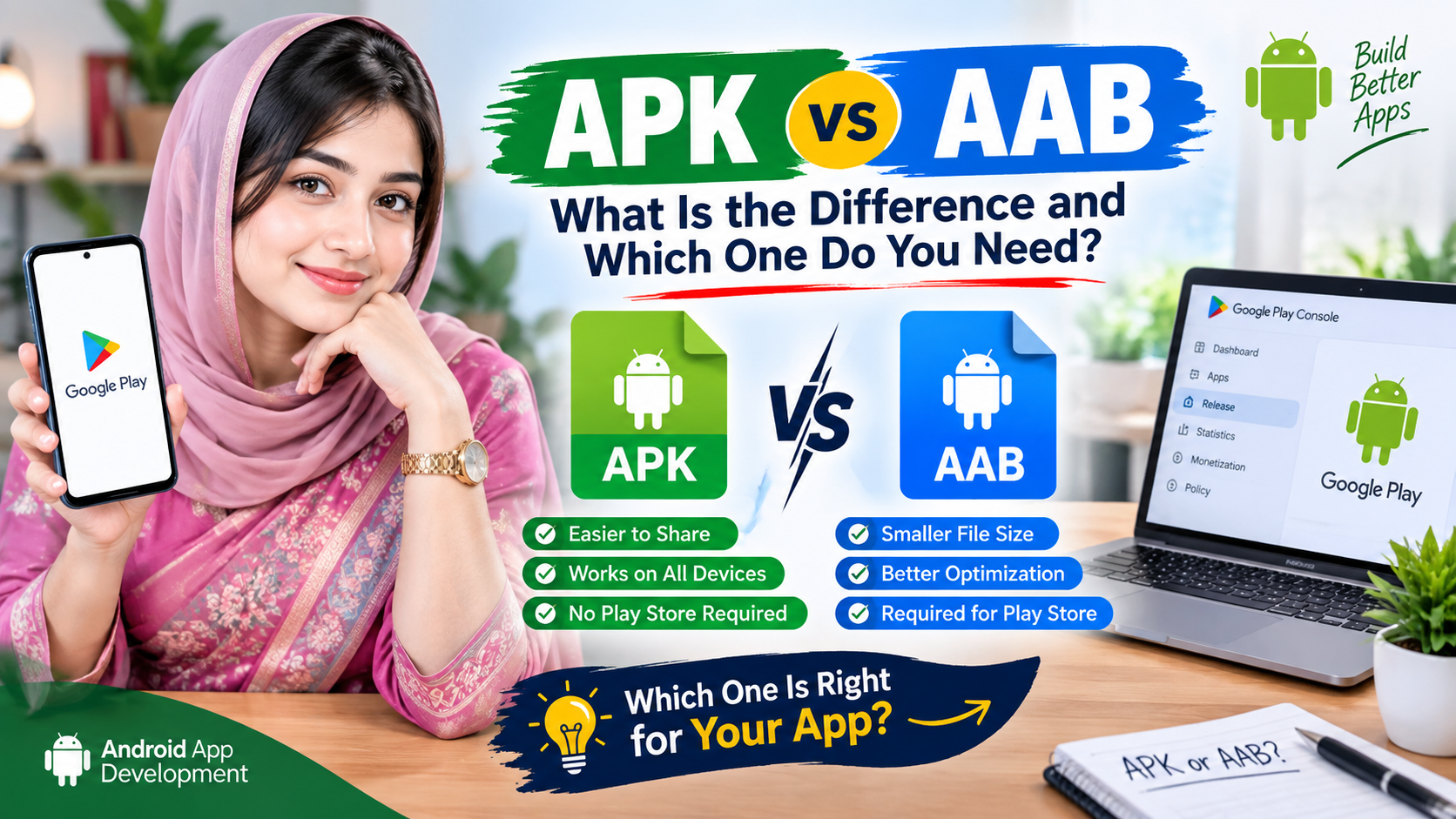
When you build an Android app you will often be asked to choose between an APK and an AAB. They look similar from the outside, but they are used for different purposes. Understanding the difference saves time and avoids upload errors when you publish.
What is an APK?
APK stands for Android Package. It is a complete, ready-to-install file. If you send an APK to a friend, they can open it on their phone and install the app immediately. APKs are used for testing, for internal company apps and for sharing an app directly through a download link on your own website or social media.
What is an AAB?
AAB stands for Android App Bundle. It is not installed directly on phones. Instead, you upload it to Google Play, and Google uses it to generate optimised APKs for each device. A user with a small screen and one processor type only downloads the parts of your app that they actually need.
Key differences at a glance
- Installation: an APK installs on a phone; an AAB cannot be installed by itself.
- Purpose: APK for sharing and testing; AAB for publishing on Google Play.
- Download size for users: apps published as AAB are usually smaller for the end user, because Google Play delivers only the required resources.
- Signing: with AAB, Google Play can manage signing keys for you (Play App Signing), which is safer if you lose your own key.
Which one should you choose?
- Just want people to install your app from a link? Choose APK.
- Want to publish on Google Play? Choose AAB. New apps on Google Play are required to be uploaded as app bundles.
- Not sure? Build both. Use the APK to test on your phone and keep the AAB for the store.
Testing an AAB
Because an AAB cannot be installed directly, testers usually receive the app through Google Play's internal or closed testing tracks. For a quick check on your own phone, the APK is much easier.
Common questions
Is an APK less secure than an AAB? No. Both are signed. The difference is how they are delivered, not how safe they are. The safest practice is to download APK files only from the developer you trust.
Can I convert one to the other? You build each from the same project. You cannot simply rename an APK to AAB or the other way around.
Do I need to keep my signing key? Yes. Keep it in a safe place and make a backup. Updates for an already-published app must be signed with the same key, unless you use Play App Signing.
In short: APK is for installing, AAB is for publishing. Choose the one that matches where you want your app to live, and you will avoid most beginner mistakes.
Comments (0)
No comments yet. Be the first to comment!